Print bottle labels for homebrew, kombucha, and small batches
Bottle labels need to follow a curved surface, remain clear when handled, and distinguish one batch from another. Neck labels, body labels, and case labels each have a different printable area.
A spreadsheet gives a small producer one place to track beverage name, batch, fill date, and package format. Choose a layout by measuring the actual bottle, print a sample, and check it on a filled container before preparing more labels.
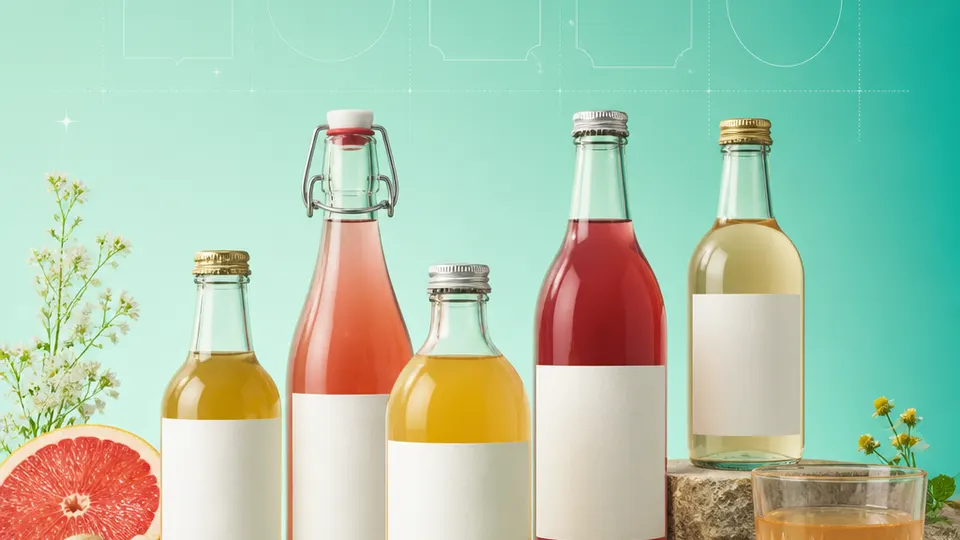
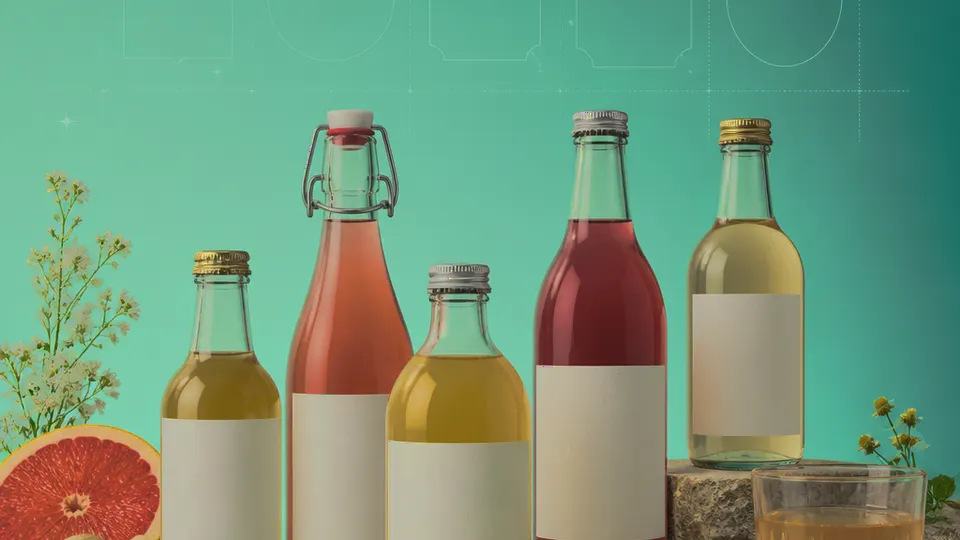
Example packaging shown without real business names or product marks.
Labels you'll print
Start with the package, then choose the sheet.
These product numbers and sizes come from the PrintGenius catalog. Check the package before printing.
Shipping labels
Bottle body labels
A rectangular label can identify a batch and beverage on the bottle’s main panel. Keep the edges away from a strong curve and avoid covering seams or etched measurements.
Use a small batch label for vessel or storage identification, then keep full readings and process notes in the workbook. The printed lot code should match the production log.
Create separate rows for each bottle in a flight or case. This keeps the printed sequence aligned with the packing list and prevents a batch label from following the wrong bottle.
Use one row for each product, container, or print variant. Keep changing values in separate columns so you can update a name or date without rebuilding the whole sheet. For fields that should never appear on the customer-facing label, retain them in a separate internal record rather than mapping them into the print layout.
Beverage
Style
Batch
Vessel
Filled on
Condition
Case
Riverstone
Amber ale
RS-052
12 oz bottle
2026-10-11
Bottle conditioned
Autumn case
Cedar Tonic
Ginger kombucha
CT-016
16 oz bottle
2026-10-13
Chilled
Cafe set
Orchard Table
Dry cider
OT-029
750 ml bottle
2026-10-14
Still
Sampler
Each row becomes a label
Each row becomes a label in the selected layout. If a cell already contains the complete label, whole labels pasted into cells also work. Keep a copy of the reviewed source sheet and compare the first, middle, and last label with the package list before printing.
Separate the public beverage name from process notes. A bottle may need only an identity and batch value, while a cellar workbook stores readings, ingredients, and timing. Keep a unique batch ID in both places and check it during the handoff from filling to labeling.
Plan the print run
Build a workflow your team can repeat.
Homebrewers, kombucha makers, small wineries, and independent beverage producers can use a consistent source sheet to keep names and batches aligned. The examples below are a starting point; measure the actual stock and check your approved package copy.
Measure the bottle where the label will sit. Cylindrical bodies, shoulders, and tapered necks behave differently. A wide rectangular sticker can buckle around a narrow curve, so compare the width with the bottle circumference and test a paper mock-up.
Think about moisture, ice, condensation, and handling. The printable layout does not determine the adhesive; choose stock based on the surface and conditions. Test a chilled bottle if that is how the product will be displayed or stored.
Keep fill date and batch as explicit fields. Similar beverage names can span different batches, and a label that looks right may still carry a stale date. Proof one sample from the current workbook against the production log.
For tasting flights, set a deliberate row order that matches the packing list. A small identifier can make the sequence easy to check without adding unrelated process details to the consumer-facing label.
Features available today
From source rows to a checked sheet.
Label Wizard supports more than 1,400 catalog product numbers, custom sizes, one-label layouts, pasted lists, and spreadsheet input by row or by cell. It can bold lines, shrink text to fit, start at any label on a partly used sheet, and create a PDF, a new Google Doc, or output in the currently open Doc. On rectangular labels, upload, crop, and zoom your logo to place it on the left of the text; it is saved in your Google Drive for next time. Preview and print a test before the production run.
Label Wizard does not create barcodes, QR codes, product images, or color backgrounds. It does not certify product claims or replace a business’s own review process.
Add your logo
Put your brand on rectangular labels.
Upload, crop, and zoom an original logo, then place it on the left of your label text. The logo is saved in your own Google Drive for next time; this feature is for rectangular labels, not round labels.
PGBottles & homebrewProduct · batch · date
Print tips for Bottles & homebrew
Test the stock and the finished surface.
Measure a filled bottle and leave clear space for seams, shoulders, caps, and closures.
Choose stock that tolerates the expected moisture and handling; test before the run.
Use a readable type size and avoid long paragraphs on narrow neck labels.
Print at 100%, then apply one sample to a filled bottle to check alignment and adhesion.
Related resources
Continue with a matching template, size, and guide.
Avery®-compatible layouts are identified by dimensions and sheet geometry, not by assuming that different brands are interchangeable. Confirm the number and measurements on your own package. PrintGenius is independent and is not affiliated with or endorsed by Avery or any label manufacturer.